
I’m about to show you some of the best free AI video tools you can start using right now. Whether your goal is to create videos with built-in audio or simply take advantage of some of the strongest models available today without paying anything, you’re in the right place.
AI video tools are evolving incredibly fast, and it’s completely normal to feel overwhelmed. There are so many options out there now that it’s hard to tell which ones are actually worth your time. And if you’re not careful, it’s easy to end up paying for tools that don’t really deliver the quality you expect. So in this article, we’re going to fix that.
With a single prompt, it’s now possible to generate multiple videos using some of the best models currently available. But to get consistent results, everything needs to be set up correctly, otherwise, errors and low-quality outputs can quickly become a problem.
Seedance 1.5 Pro.
Let’s start with one of the most interesting tools right now: Seedance 1.5 Pro.
Follow these steps for the best results
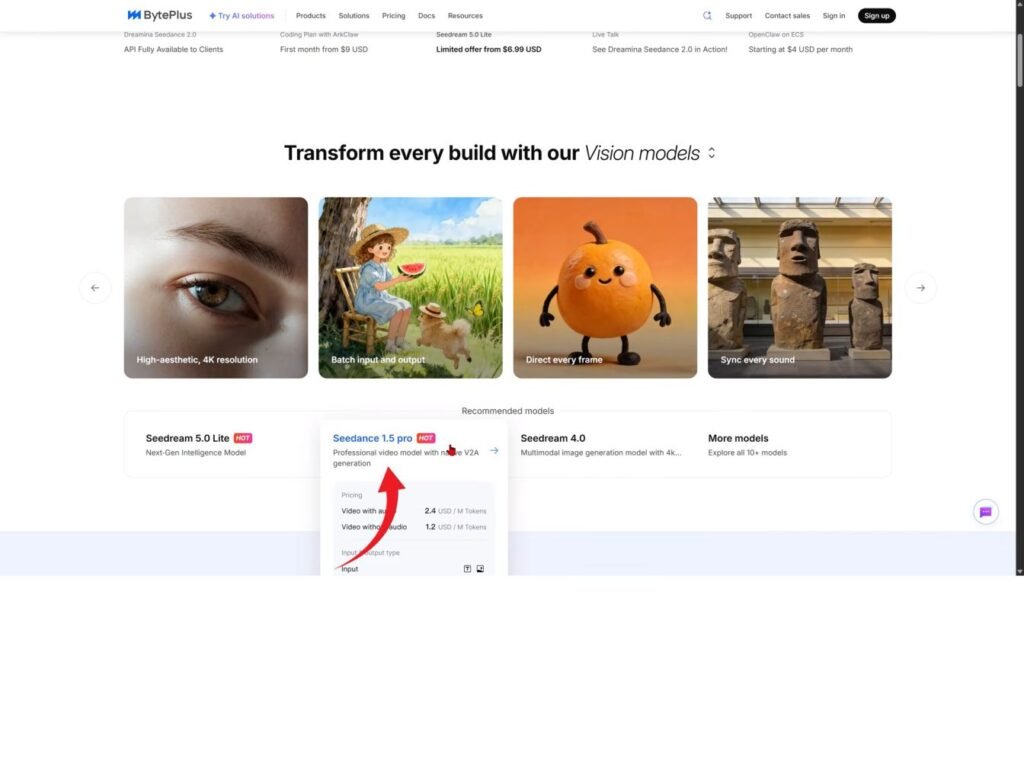
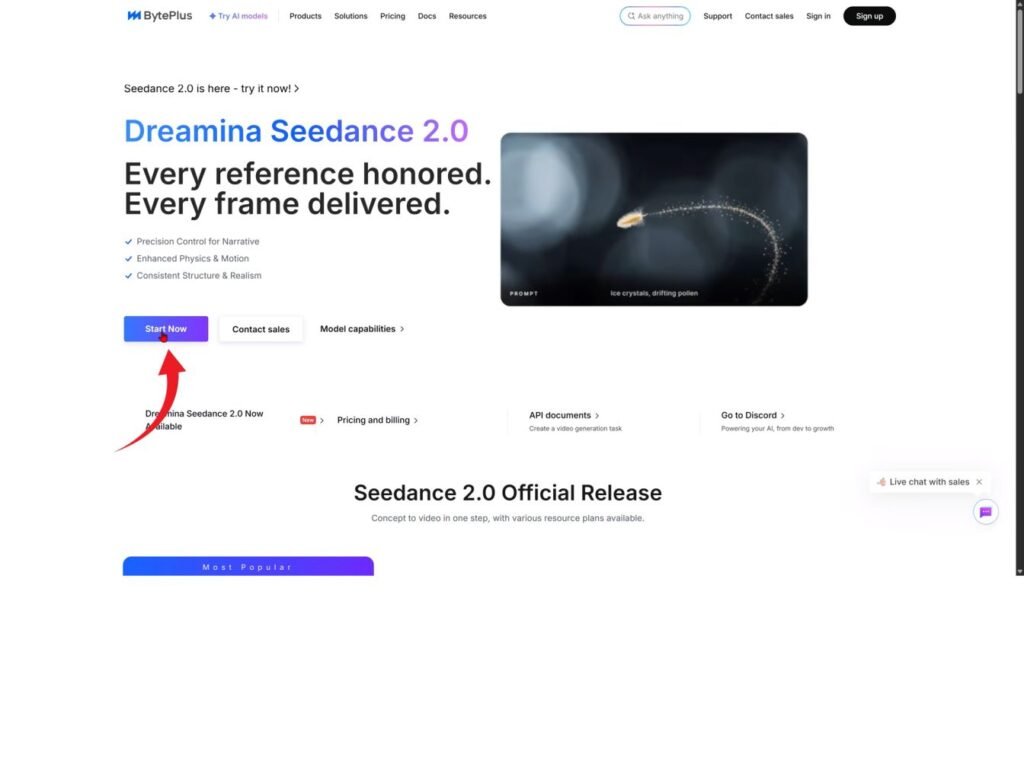
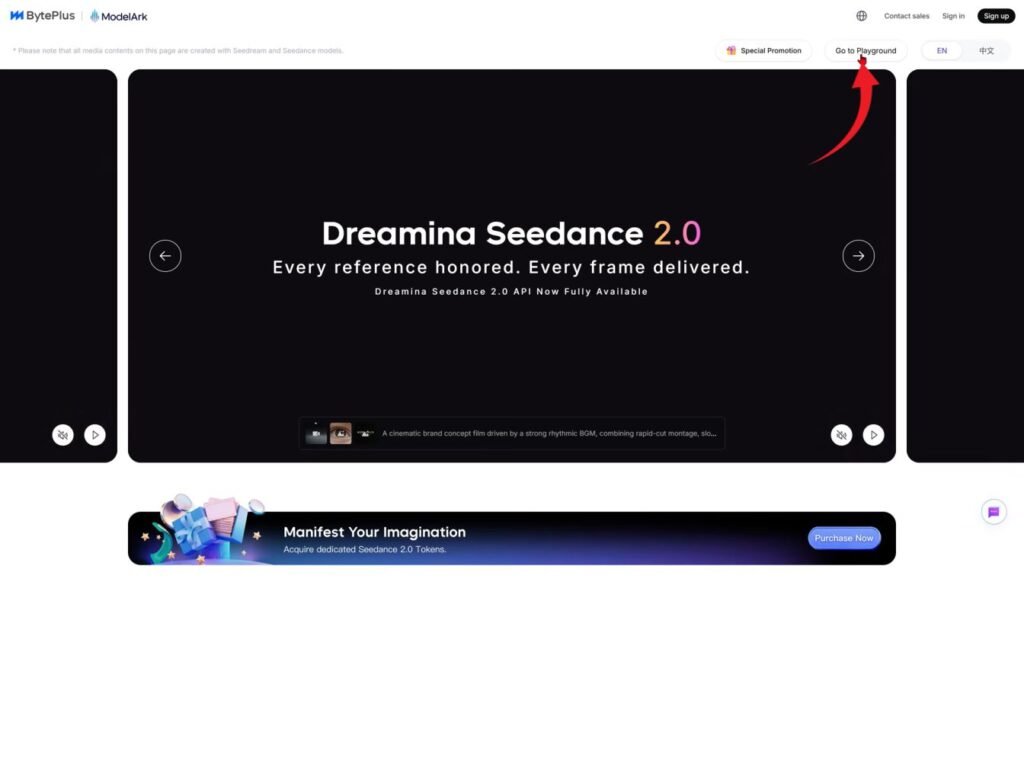
To access the best models on the platform, the process is straightforward. After selecting a model, you’ll need to open its workspace and make sure you’re logged in. If the platform redirects you after signing up, simply repeat the steps and you’ll be able to access all features without issues.
Once inside, one small adjustment can make a big difference. By default, the tool generates multiple videos per prompt. Reducing this to a single generation speeds things up significantly while still maintaining solid quality.
You can also customize your video settings depending on your needs. For example, using a horizontal format, 720p resolution, and shorter durations like five seconds can help you generate results faster while testing different ideas.
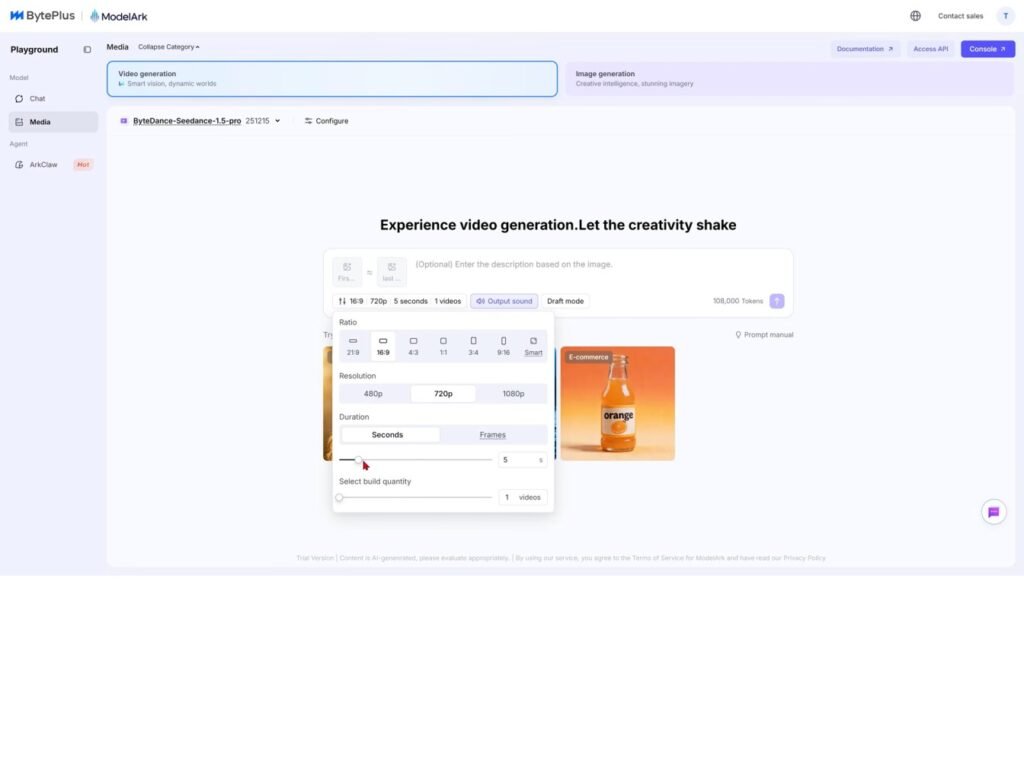
One of the strengths of this tool is its flexibility. You can upload images and turn them into videos, or even define a starting frame and an ending frame to create smooth transitions between scenes.
If you don’t already have an image generator, the platform includes a surprisingly capable one. It allows you to generate multiple images at once, making it easier to choose the best result before turning it into a video.
Beyond that, there are additional creative options available, including generating comics or visual story content, which opens the door to more advanced projects.
Another important point is accessibility. Even though the platform uses a credit system, it offers enough free usage to experiment freely. And once limits are reached, they usually reset after some time, allowing you to continue without needing to pay.
Qwen
Moving on, another powerful tool worth exploring is Qwen AI.
What makes Qwen interesting is that it’s not just focused on one thing. It combines strong text capabilities with image and video generation features, making it a very flexible option for creators.
If you’re looking for ideas or inspiration, you can simply interact with it directly. Since it’s built as a conversational AI, you can ask it to generate prompts, improve them, or even come up with completely new concepts based on what you want to create.
One of its biggest strengths is how well it understands detailed instructions. You can describe a scene, the style, the mood, and even specific actions, and it will generate results that closely match your vision.
The workflow is simple. You start by describing what you want, then refine your prompt step by step until you get something solid. From there, you can use those prompts to generate images or videos, depending on how you’re using the model.
For better results, it’s often a good idea to be very specific. The more details you provide, like camera angles, lighting, or movement, the more accurate the final output will be.
Another advantage is that you can iterate quickly. If the result isn’t perfect, you can adjust your prompt, ask the AI to improve it, or even request multiple variations to compare.
And just like with other free tools, there can sometimes be limits or slowdowns depending on demand. But overall, it remains a very powerful option, especially if you want more control over the creative process.
Seedance 2.0
If you don’t want to deal with limitations from free tools, like watermarks or inconsistent quality, there’s another option worth checking out. I’m talking about Seedance 2.0.
Inside Higgsfield, you can access this model, and honestly, it’s one of the best out right now. The results speak for themselves. What really stands out is how well it understands detailed prompts. You describe what you want, and it delivers high-quality output almost perfectly.
If you include audio instructions in your prompt, like dialogue or sound effects, it adds them directly into the video, and the best part is, everything is in one place. You can generate images, videos, and audio without switching platforms. This kind of workflow saves time and simplifies the entire creative process.